GuidesPodcast Editing Guide: Professional Tips
Learn professional podcast editing techniques to create engaging, high-quality episodes. From noise reduction to pacing, master the art of podcast production.
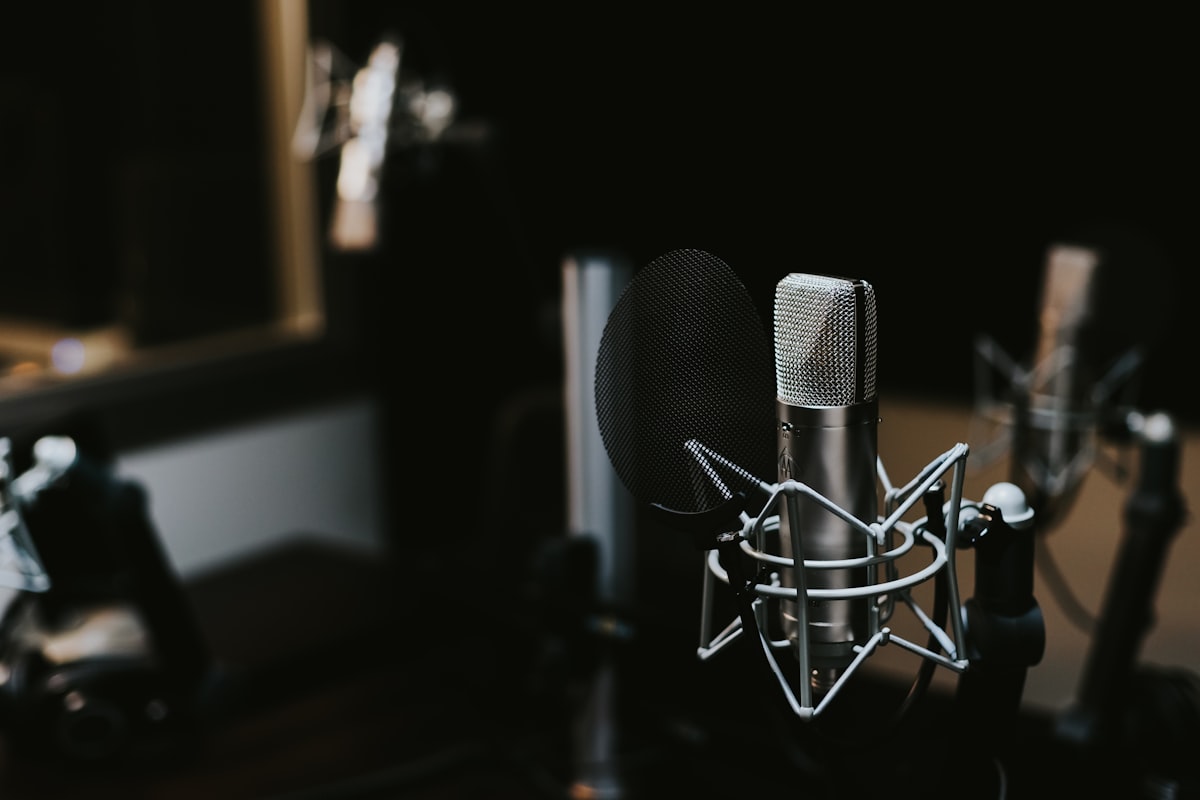
Podcast editing is both an art and a science. Great editing can transform a good conversation into an exceptional listening experience, while poor editing can make even the best content difficult to follow. This comprehensive guide will teach you professional podcast editing techniques used by top producers.
Why Podcast Editing Matters
Quality editing is what separates amateur podcasts from professional ones. Good editing:
- Improves Clarity: Removes distractions and enhances speech intelligibility
- Maintains Engagement: Keeps listeners focused on your content
- Creates Flow: Smooths out natural conversation irregularities
- Builds Brand: Consistent quality reflects professionalism
- Saves Time: Listeners appreciate concise, well-paced content
Pre-Production: Setting Yourself Up for Success
Recording Quality
The best editing starts with good recording:
- Use Quality Microphones: Dynamic mics for noisy environments, condenser mics for quiet studios
- Control Your Environment: Record in quiet spaces with minimal echo
- Monitor Levels: Keep peaks between -12dB and -6dB during recording
- Use Consistent Setup: Same microphone distance and positioning for all speakers
File Organization
Organize your files before editing:
Podcast_Episode_001/
├── Raw_Audio/
│   ├── Host_Track.wav
│   ├── Guest_Track.wav
│   └── Backup_Mix.wav
├── Music/
│   ├── Intro.mp3
│   ├── Outro.mp3
│   └── Transition.mp3
├── Edited/
└── Final/
Essential Podcast Editing Workflow
Step 1: Import and Organize
- Import all audio files into your editing software
- Label tracks clearly (Host, Guest, Music, etc.)
- Sync multiple audio sources if recorded separately
- Create a rough timeline of your episode
Step 2: Content Editing
This is where you shape your podcast's narrative:
Remove Unwanted Content
- False starts and restarts
- Long pauses and dead air
- Coughing, sneezing, and mouth sounds
- Off-topic tangents (unless they add value)
- Technical difficulties and interruptions
Improve Pacing
- Tighten conversations without making them feel rushed
- Leave natural pauses for emphasis
- Remove excessive "ums," "ahs," and filler words
- Maintain conversational rhythm
Step 3: Audio Enhancement
Noise Reduction
- Remove background hum and electrical interference
- Reduce air conditioning and fan noise
- Eliminate computer fan sounds
- Address room echo and reverb
EQ (Equalization)
- High-pass filter: Remove frequencies below 80-100Hz
- Presence boost: Enhance clarity around 2-5kHz
- De-essing: Reduce harsh "s" sounds around 6-8kHz
- Warmth: Slight boost around 200-400Hz for fuller voice
Compression
- Even out volume differences between speakers
- Reduce dynamic range for consistent listening
- Typical settings: 3:1 ratio, medium attack, medium release
- Aim for 2-4dB of gain reduction
Step 4: Leveling and Mastering
Volume Matching
- Balance levels between different speakers
- Ensure consistent volume throughout the episode
- Match intro/outro music levels to speech
- Use reference tracks for comparison
Final Processing
- Apply gentle limiting to prevent clipping
- Check mono compatibility for single-speaker listeners
- Ensure consistent loudness across episodes
- Target -16 LUFS for podcast distribution
Advanced Podcast Editing Techniques
Multi-Track Editing
When working with multiple audio sources:
- Sync Tracks: Use clap or countdown for synchronization
- Gate Tracks: Reduce bleed between microphones
- Pan Positioning: Subtle left/right positioning for clarity
- Individual Processing: Apply different EQ/compression per speaker
Creating Smooth Transitions
Crossfades
- Use short crossfades (10-50ms) between cuts
- Longer crossfades (1-3 seconds) for music transitions
- Match energy levels at crossfade points
Music Integration
- Intro Music: 15-30 seconds, fade under speech
- Transition Music: 5-10 seconds between segments
- Outro Music: 30-60 seconds, can include credits
Handling Common Challenges
Multiple Speakers
- Use consistent EQ settings for each speaker
- Apply individual noise gates
- Balance levels carefully
- Consider slight panning for clarity
Remote Recordings
- Account for different recording qualities
- Apply consistent processing to match tones
- Use noise reduction more aggressively if needed
- Consider using separate intro/outro for quality consistency
Podcast Editing Tools and Software
Online Editors (Like EditAudio.Online)
Advantages:
- No software installation
- Cross-platform compatibility
- Always updated
- Lower learning curve
Best For:
- Simple edits and cuts
- Quick turnaround projects
- Users new to audio editing
- Basic podcast production
Desktop Software
Free Options
- Audacity: Full-featured, cross-platform
- GarageBand: Mac only, user-friendly
- Reaper: 60-day free trial, professional features
Professional Options
- Adobe Audition: Industry standard with advanced features
- Hindenburg Pro: Designed specifically for spoken word
- Logic Pro: Comprehensive audio production suite
Optimizing Your Podcast for Distribution
Technical Specifications
Most podcast platforms recommend:
- Format: MP3 or AAC
- Sample Rate: 44.1kHz
- Bit Depth: 16-bit minimum
- Bitrate: 128kbps (mono speech), 192kbps (stereo music)
- Loudness: -16 LUFS (Spotify), -14 LUFS (Apple Podcasts)
Metadata Optimization
Include comprehensive metadata:
- Episode title and number
- Show description
- Episode artwork (1400x1400 pixels minimum)
- Chapter markers for long episodes
- Transcript for accessibility
Time-Saving Editing Tips
Keyboard Shortcuts
Learn essential shortcuts for your editing software:
- Play/Pause: Spacebar
- Cut: Ctrl/Cmd + X
- Copy: Ctrl/Cmd + C
- Undo: Ctrl/Cmd + Z
- Zoom: + and - keys
Batch Processing
- Apply similar effects to multiple clips
- Use templates for consistent processing
- Create presets for common adjustments
- Automate repetitive tasks where possible
Editing Templates
Create templates with:
- Standard track layouts
- Common effect chains
- Intro/outro music pre-loaded
- Consistent EQ and compression settings
Quality Control Checklist
Before publishing your podcast:
Audio Quality
- [ ] No clipping or distortion
- [ ] Consistent volume levels
- [ ] Minimal background noise
- [ ] Clear, intelligible speech
- [ ] Appropriate music levels
Content Quality
- [ ] Smooth transitions between topics
- [ ] Natural conversation flow
- [ ] Removed excessive filler words
- [ ] Maintained energy and engagement
- [ ] Proper intro/outro placement
Technical Specifications
- [ ] Correct file format and quality
- [ ] Proper metadata included
- [ ] Episode artwork attached
- [ ] File size optimized
- [ ] Compatible with major platforms
Measuring Success
Track these metrics to improve your editing:
Listener Engagement
- Average listen duration
- Drop-off points in episodes
- Listener feedback and reviews
- Download and streaming numbers
Technical Quality
- Consistent loudness levels across episodes
- Minimal listener complaints about audio quality
- Positive feedback on production value
- Professional sound compared to competitors
Advanced Tips for Professional Results
Creating Signature Sound
- Develop consistent processing chains
- Use signature intro/outro music
- Maintain consistent pacing and energy
- Create recognizable audio branding
Efficiency Improvements
- Use markers for important sections
- Create editing notes during recording
- Develop standardized workflows
- Invest time in learning advanced features
Conclusion
Professional podcast editing requires practice, patience, and attention to detail. Start with basic techniques like cutting and volume adjustment, then gradually incorporate more advanced processing as you develop your skills.
Remember that editing should enhance your content, not overshadow it. The best podcast editing is often invisible to listeners – they should be focused on your message, not distracted by technical issues or over-processing.
With tools like EditAudio.Online, you can start practicing these techniques immediately. Begin with simple edits and gradually work your way up to more complex productions. Most importantly, listen to your work critically and continuously strive to improve.
Ready to edit your podcast? Start editing with EditAudio.Online and apply these professional techniques to your next episode.